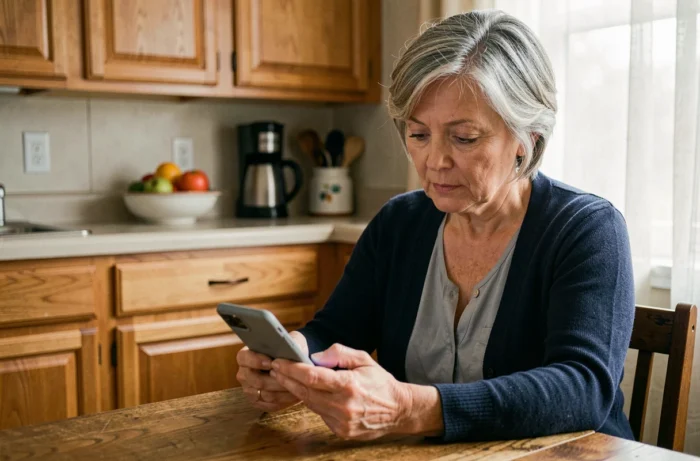
My Proxima is not an application available on the App Store or Google Play. It is a web portal published by Tutelle Au Quotidien, accessible from a browser at the address monproxima.fr. For a relative under guardianship, access to this portal depends on the judicial representative for the protection of adults (MJPM) who manages the measure.
This distinction between mobile application and web application changes the approach. Searching for “Mon Proxima” on a download store leads nowhere, or worse, to homonymous applications unrelated to the legal protection of adults.
My Proxima and decree n° 2024-659: what changes for monitoring accounts under guardianship
Since January 1, 2025, the decree n° 2024-659 requires that each protection measure be associated with an individualized bank account in the name of the protected adult, including for modest assets. An order dated July 4, 2024, has also established harmonized national management account templates.
My Proxima has integrated these official formats. The income and expense sections are pre-structured according to the model expected by the judge during the annual submission of the management account. For a family caregiver monitoring the guardianship of a relative, this means that the documents available in My Proxima correspond exactly to what the guardianship judge receives.
Before trying to download the Mon Proxima application, it is important to understand that the portal does not allow any accounting entries or transfers. My Proxima functions as a read-only consultation mirror: the MJPM enters the transactions in the professional software Proxima, and the protected adult or their relatives only see the validated data.

Obtaining My Proxima credentials: the role of the judicial representative
The most common bottleneck is not technical. It is obtaining the credentials. Only the MJPM or the guardianship service can create access to My Proxima and provide the login codes.
The representative also decides on the scope of visibility granted to the relative. Depending on the settings chosen in Proxima, certain documents or accounting sections may remain hidden. Data hosting is ensured on servers compliant with GDPR requirements, which regulates the dissemination of personal information of the protected adult.
In practical terms, the process can be summarized in three steps:
- Contact the judicial representative or the guardianship service in charge of the measure to request the opening of access to My Proxima.
- Specify the relationship or status as a caregiver, as the representative must verify that the person is authorized to consult the information of the protected adult.
- Receive the credentials (email address and temporary password) and then log in via monproxima.fr to change the password on the first access.
If the representative does not respond or refuses without reason, the family can appeal to the guardianship judge. The right of relatives to be informed about the asset management of the protected adult is regulated by law, and the judge can order the communication of documents.
Access from a shared device or without a smartphone: practical configuration
Many people under guardianship do not own a personal smartphone. Cognitive loss, limited budget, refusal of digital technology: situations vary. Since My Proxima is a web application, any device equipped with an up-to-date browser is sufficient (desktop computer, laptop, tablet).
Creating a shortcut to monproxima.fr
On a shared computer in a nursing home or at home, the caregiver can create a desktop shortcut pointing to monproxima.fr. On an Android tablet, the Chrome browser offers the option “Add to Home Screen,” which generates an icon similar to that of a native application. On iPad, Safari provides the same functionality via the share menu.
This shortcut does not store any data locally. The information remains hosted on the remote server, which limits risks in case of loss or theft of the device.
Securing access on a shared device
When multiple people use the same device, a few precautions are necessary:
- Do not save the password in the browser, or use a dedicated browser profile protected by a code.
- Always log out after each consultation to prevent unauthorized access to the protected adult’s data.
- Check the URL in the address bar before entering the credentials: the only legitimate address is monproxima.fr. Any variant (mon-proxima.fr, monproxima.com) should raise an alert about a potential phishing risk.
Consultable features in My Proxima for guardianship
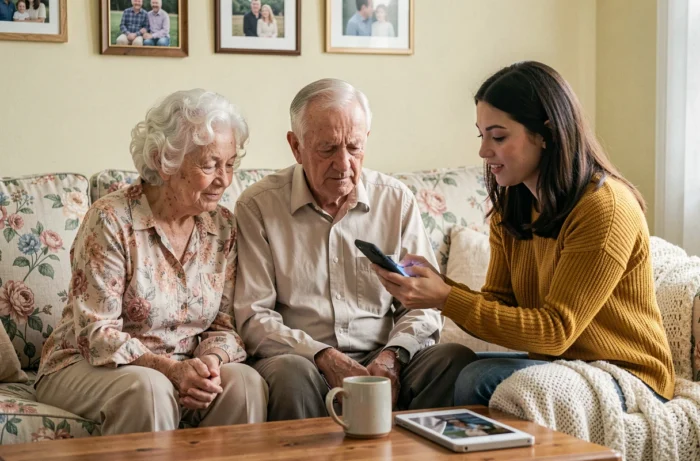
My Proxima provides access to the data that the MJPM chooses to make visible. In practice, for a guardianship measure, the most common sections concern the consultation of management accounts, monitoring of validated banking transactions, and access to administrative documents related to the file.
The portal does not replace direct contact with the representative. Asset management decisions (sale of an asset, investment of savings, acceptance of an inheritance) fall under the MJPM and often require the judge’s authorization. My Proxima does not allow initiating or validating these actions.
The value of the portal lies in accounting transparency. For a family wishing to monitor the financial management of a relative without waiting for the annual meeting with the representative, read-only access to the harmonized management accounts provides a concrete control tool, aligned with the format required by the guardianship judge since the 2024 decree.
The portal monproxima.fr remains the only reliable entry point. Any other address or application found on a mobile store has no connection with the Proxima software used by judicial representatives for the protection of adults.