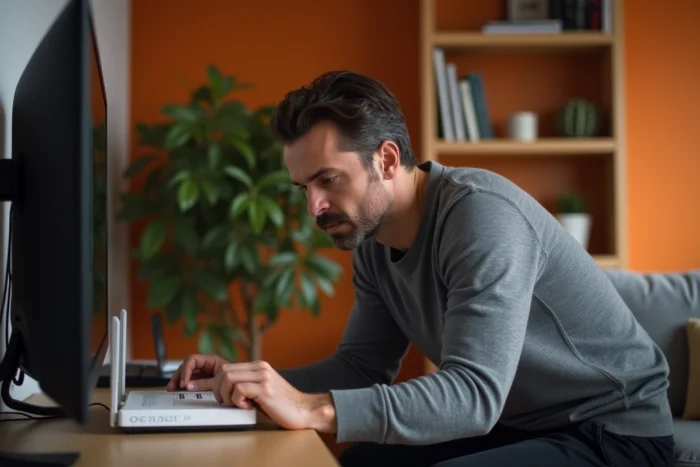
The error code S01-06 on an Orange TV decoder indicates a communication breakdown between the decoder and the Livebox. The issue is focused on the local network layer, not on the internet line itself. Understanding this distinction helps avoid wasting time restarting equipment that is functioning perfectly on the access side.
Wi-Fi connection between Livebox 5 and UHD TV decoder: the weak point of S01-06
The combination of Livebox 5 and UHD TV decoder generates significantly more S01-06 codes over Wi-Fi than previous generations. The increased sensitivity to interference in this hardware combination explains the majority of recurring cases, especially in homes where the decoder is far from the Livebox or separated by thick walls.
We observe a recurring pattern on Orange forums: the error temporarily disappears after a restart, then returns in the following hours. This cycle almost always points to an instability in the Wi-Fi connection and not a hardware defect.
A field experience worth noting is that connecting the decoder via Ethernet for an extended period allows for the retrieval of the latest firmware updates. These updates, sometimes blocked by an unstable Wi-Fi connection, eliminate many recurring S01-06 cases, even after switching back to Wi-Fi. This step is rarely highlighted, even though it resolves the problem at the source in a significant proportion of cases.
To deepen the diagnosis, we recommend consulting the solutions to error code S01-06 on Planet X Tech before proceeding to hardware manipulations.
Resetting Livebox via interface 192.168.1.1: why the physical button is not enough
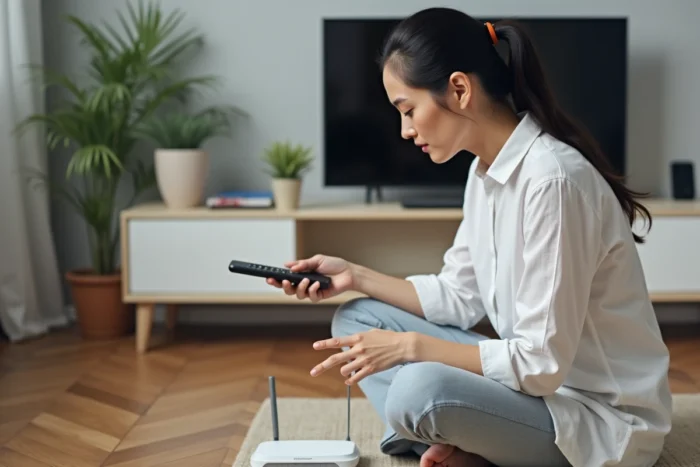
The classic reflex is to press the reset button on the Livebox. On the Livebox 5, this method does not always produce a complete reset. Resetting via the administration interface at 192.168.1.1 is more reliable for addressing recurring S01-01 to S01-06 codes.
The procedure goes through the web browser of a device connected to the Livebox:
- Access 192.168.1.1 from a computer or smartphone connected via Wi-Fi or Ethernet to the Livebox
- Log in with the administrator credentials (the default password is on the Livebox label)
- Navigate to advanced settings, then initiate a full reset from the dedicated menu
- Wait for the Livebox to fully restart before turning the TV decoder back on
This operation results in the loss of the customized configuration (Wi-Fi network name, modified password, port forwarding). These elements will need to be reconfigured after the reset. But for S01-06 cases that resist simple restarts, this is the most effective step before contacting Orange customer service.
Ethernet and PLC cable diagnostics: check the physical layer of the network
When the decoder is connected via cable (directly via Ethernet or through PLC adapters), the S01-06 code points to a problem on the physical layer of the local network. A faulty or poorly crimped Ethernet cable causes invisible micro-cuts on other devices but is fatal for the TV stream.
Direct Ethernet cable
Replacing the cable between the Livebox and the decoder with a new cable is the quickest test. A bent cable, stuck under furniture, or too long accumulates transmission errors. Also, ensure that the RJ45 connectors click firmly into the ports of both devices.
PLC adapters (Liveplug)
Orange PLC adapters (Liveplug) do not age well. Their actual throughput decreases over time, especially on older electrical installations. A Liveplug plugged into a power strip rather than directly into a wall socket loses a significant portion of its bandwidth.
To test the PLC connection, we recommend temporarily connecting the decoder directly via Ethernet to the Livebox. If the S01-06 disappears, the problem lies with the PLC adapters, not the decoder or the Livebox.
Livebox and decoder restart sequence: the order matters
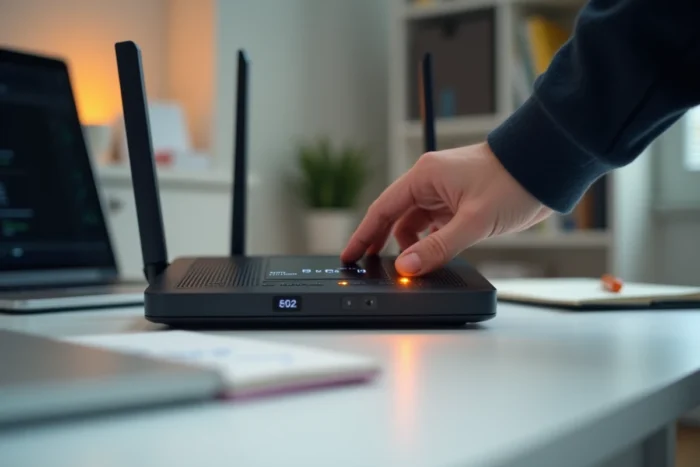
A simultaneous restart of both devices is a common mistake. The TV decoder tries to connect to the Livebox before it has finished its network initialization phase, which causes an S01-06 error right at startup.
The correct sequence follows a strict order:
- Turn off the TV decoder first (unplug the power)
- Turn off the Livebox (unplug the power)
- Wait at least two minutes
- Plug the Livebox back in and wait for all indicators to stabilize (the internet light should be steady)
- Plug the TV decoder back in only after the Livebox has fully stabilized
The waiting time between the two plug-ins is the key variable. Turning the decoder back on too soon reproduces the problem every time. On Livebox 5, the complete initialization phase can take several minutes, especially after a reset via the web interface.
When S01-06 persists: identify a problem on the Orange side
If the error code S01-06 returns despite a new Ethernet cable, a complete reset via 192.168.1.1, and a correct restart sequence, the problem likely lies upstream of your installation. A degradation of the signal on the line (in ADSL) or an incident on the OLT (in fiber) can prevent the decoder from receiving the IPTV stream even if the internet connection works for other uses.
The TV stream uses a network channel distinct from regular internet traffic. Having internet access does not guarantee that the TV stream is arriving correctly at the decoder. In this case, only Orange customer service can check the status of the line and, if necessary, schedule a technical intervention.
Before calling, note the exact error code displayed, the type of connection between the Livebox and the decoder (Wi-Fi, Ethernet, PLC), and the manipulations already performed. This information speeds up the diagnosis on the operator’s side and avoids going through the basic steps that you have already addressed.